
Latest Insights
Summer and Fall web design trends you need to know about
Let’s look at some of the key web design trends for Summer/Fall 2024, along with their pros, cons, and practical tips for using them: Dark mode, 3D elements and effects, neumorphism, minimalistic design, micro-interactions, and accessibility-first design.
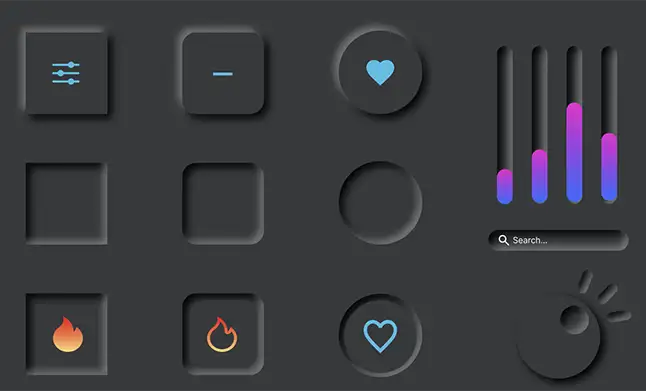
Dark mode
Dark mode provides a darker color scheme for websites, reducing eye strain and improving readability in low-light conditions.
The pros
It’s trendy and modern, can conserve battery life on devices with OLED screens, and creates a sleek, immersive experience.
The cons
Contrast issues can arise if not implemented well, and some users might prefer traditional light themes.
Dark mode in action
Implement a toggle switch for users to choose between light and dark modes based on their preference. Ensure text and UI elements are clearly visible and accessible in both modes.

3D elements and effects
Using three-dimensional elements and effects to add depth and realism to web design.
The pros
Enhances visual appeal and engagement, can showcase products more effectively, and sets a site apart with a unique visual identity.
The cons
Requires more resources (like higher bandwidth) which may affect load times, and can be complex to integrate across different devices and browsers.
3D in action
Use subtle 3D effects for buttons, icons, or background elements to avoid overwhelming users. Optimize assets for faster loading times without sacrificing quality.

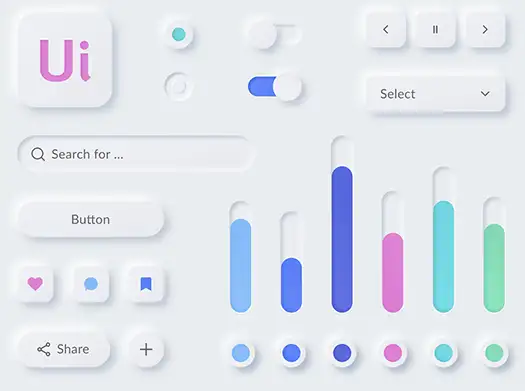
Neumorphism
A design trend that combines skeuomorphism (realistic design) with minimalism, creating soft, extruded shadows and highlights.
The pros
Gives a tactile and realistic feel to digital interfaces, enhances user interaction, and improves usability by making elements more intuitive.
The cons
Requires careful attention to detail for usability and accessibility, and might not fit all design styles or brand identities.
Neumorphism in action
Use sparingly and focus on usability—ensure that interactive elements are clear and distinguishable from non-interactive ones. Test across different devices for consistency.
Minimalistic
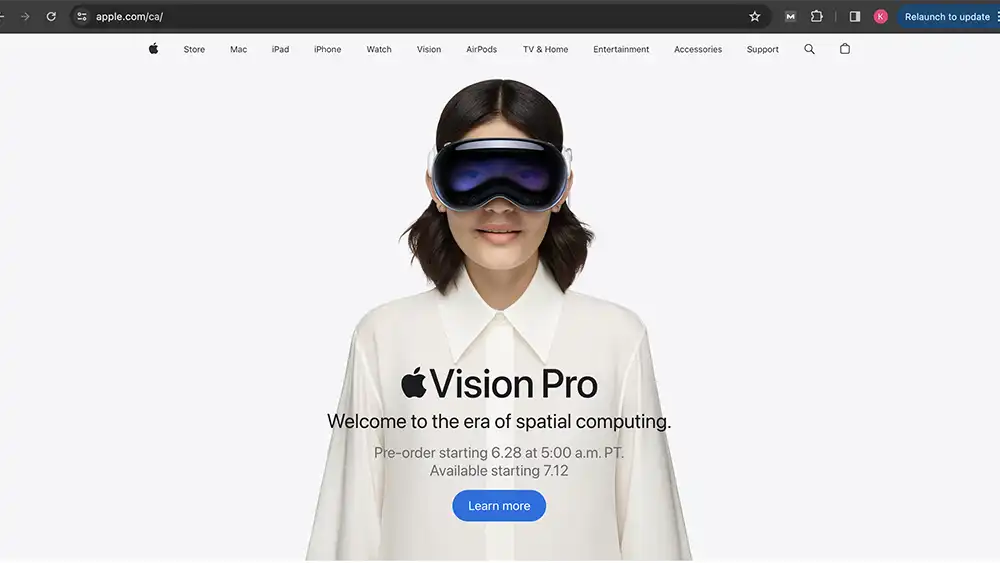
Simplified design with clean layouts, ample white space, and a focus on essential elements.
The pros
Improves readability and navigation, faster load times, and works well across various devices and screen sizes.
The cons
Risk of appearing too plain or boring if not executed with creativity, and might not suit content-heavy websites without proper hierarchy.
Minimalistic in action
Prioritize content hierarchy and use typography and color contrast to guide users. Ensure every element serves a purpose to maintain a clean aesthetic.
Micro-interactions
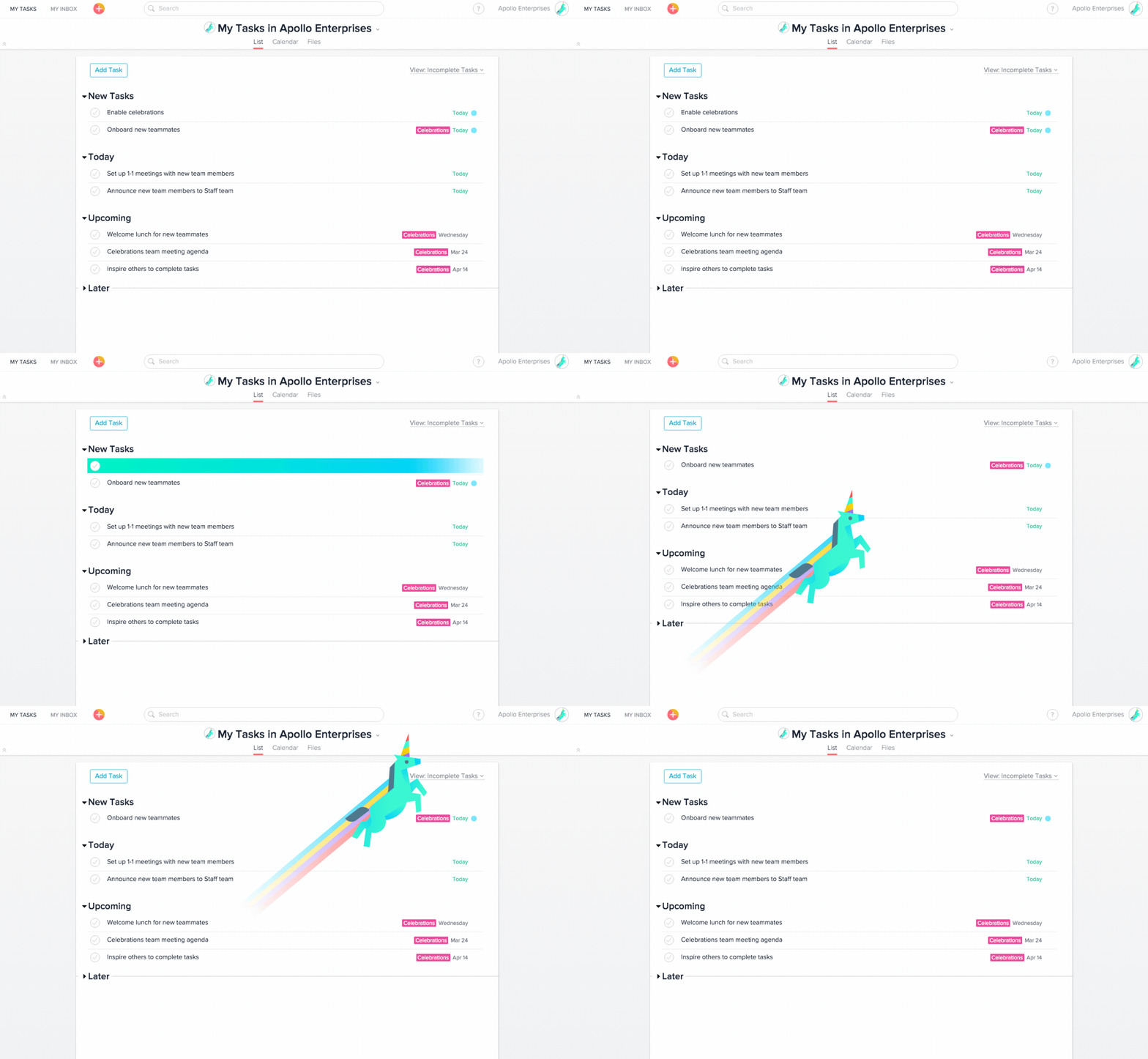
Small, subtle animations or responses to user actions (like hovering or clicking) that enhance user experience.
The pros
Increases user engagement and satisfaction, provides instant feedback, and can guide users through the interface.
The cons
Overuse can lead to distraction or slow down site performance if not optimized properly.
Micro-interactions in action
Focus on enhancing usability—use micro-interactions to confirm actions, highlight changes, or provide feedback. Keep animations short and meaningful to avoid overwhelming users.
Accessibility-first
Designing websites with a focus on accessibility, ensuring they are usable by people with disabilities.
The pros
Increases inclusivity and user base, improves SEO, and aligns with ethical design practices.
The cons
Requires extra effort and expertise to implement accessibility features correctly, and might involve compromises in design aesthetics.
Accessibility-frst in action
Follow accessibility guidelines (like WCAG) from the start of the design process. Test with accessibility tools and real users with disabilities. Prioritize features like alternative text for images, keyboard navigation, and color contrast.
Practical Tips
Stay Updated
Continuously monitor design trends and adapt them appropriately for your brand or client.
User-Centered
Always prioritize user experience and usability over trends.
Test and Iterate
Use analytics and user feedback to refine your designs over time.
By understanding these trends and their implications, both designers and clients can make informed decisions to create compelling and effective websites in 2024.
0 Comments